Discord Fancy Text - Stylish Text for Discord Profiles and Messages
Want to give your Discord profile a more distinctive look? Decorative lettering can help you personalize your display name, profile details, messages, and gaming community identity. Whether you are part of a gaming server, a creative community, or a group of friends, stylish text offers a simple way to express your personality. With Discord Fancy Text, you can transform ordinary words into decorative characters that you can copy and paste into compatible Discord fields. From bold and cursive lettering to bubble and glitch-inspired styles, there are different options to explore. The best approach is to choose a style that matches your personality while keeping your name and messages easy for others to recognize.
What Is Discord Fancy Text?
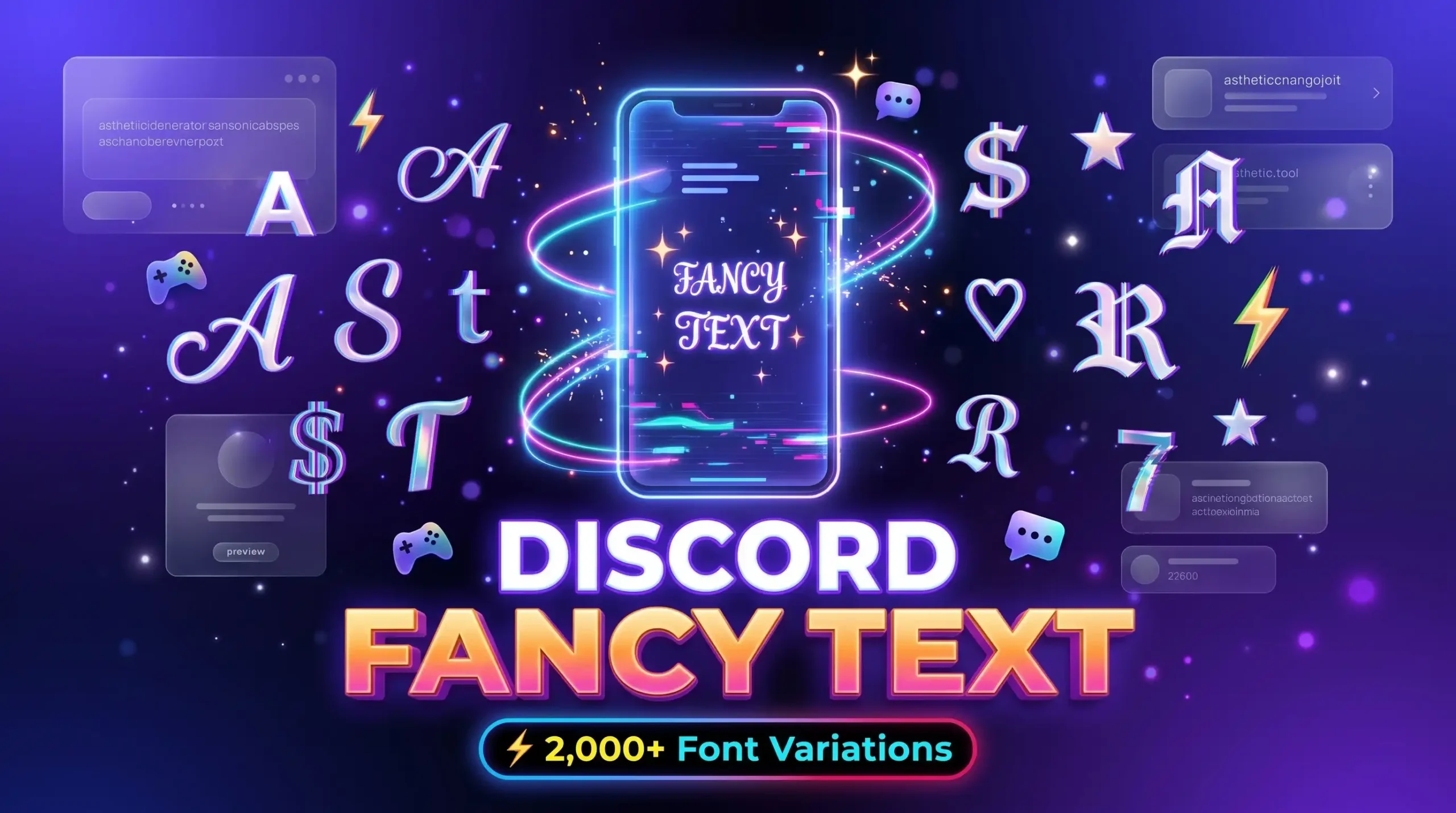
Discord fancy text refers to decorative characters that change the visual appearance of ordinary writing. These styles may include bold looking letters, cursive characters, circled text, and other Unicode symbols that resemble different fonts.
Discord users may experiment with fancy text to personalize supported profile fields, create distinctive messages, or add character to their gaming identity. For example, a gaming community member might prefer bold lettering, while someone with an aesthetic profile may choose cursive or rounded characters.
Many online text generators create decorative text by converting standard letters into Unicode alternatives. These characters can often be copied and pasted into compatible applications without installing a separate font file.
However, Discord has different rules for usernames, display names, messages, and other fields. A character that works in one place may not be accepted or displayed correctly in another.
How Does a Discord Fancy Text Generator Work?
A Discord text generator takes your input and converts it into decorative characters according to the style you choose. Depending on the tool, you may find bold, cursive, bubble, glitch, or other lettering options.
Using a generator usually involves these simple steps:
1. Enter Your Text
Type your username idea, message, or short phrase into the generator input box.
2. Explore & Select
Review the different decorative text options and choose the style that suits your profile or community.
3. Copy the Result
Use the copy button if available, or select and copy the generated characters manually to your clipboard.
4. Paste into Discord
Open Discord, paste the text into the intended field, and check the result before saving or sending.
The generated text may look different depending on the device, application, and characters used. If Discord rejects a particular style, try a simpler alternative or use standard letters.
Benefits of Using Fancy Text on Discord
Decorative text can help users personalize their Discord experience. When used appropriately, it adds visual variety without requiring graphic design software.
Personalize Your Profile
Your Discord profile helps other members recognize you in conversations and communities. A suitable decorative style can complement your interests, gaming identity, or online personality.
You might use a distinctive display name or a short decorative phrase in a supported profile field. Keep your name recognizable so that other members can identify and mention you easily.
Create Distinctive Messages
Decorative characters can be useful for short announcements, informal greetings, and themed messages. For example, a gaming group might use a stylized heading for a community event.
However, avoid using difficult to read text for instructions, important updates, or messages that everyone needs to understand quickly.
Match Your Gaming Identity
Different games and communities have different visual styles. Bold or futuristic lettering may suit a competitive gaming profile, while cursive or rounded characters may work better for a relaxed community.
Choosing a consistent style can help your profile reflect your interests across guilds and servers.
Add Visual Variety to Community Content
Some servers have themed channels, creative discussions, or role-playing communities where decorative text can be appropriate.
Always follow the server's rules and avoid using unusual characters to imitate moderators, administrators, or other members.
Popular Discord Fancy Text Styles
Different lettering styles create different impressions. Choose an option that suits your profile and the kind of community you participate in.
1. Bold Text for Discord
Bold-looking characters have a stronger appearance than ordinary letters. They can be useful for short phrases, profile details, or creative messages where the text needs emphasis.
If you want to highlight a few words, keep the surrounding message simple.
2. Cursive Text for Discord
Cursive lettering uses flowing, script-like characters that resemble handwriting. It may suit aesthetic profiles, creative communities, and personal display names.
Because some cursive characters can be harder to recognize, consider using this style for short phrases rather than long messages.
3. Bubble Text for Discord
Bubble text uses rounded or circle inspired characters to create a playful appearance. It can be suitable for casual gaming profiles, friendly communities, and creative usernames.
Use a style that remains recognizable, especially if you want other members to remember your name.
4. Glitch Text for Discord
Glitch text creates a distorted or digital-looking appearance. It may suit gaming communities, technology-focused servers, and futuristic profile themes.
Some glitch styles can be difficult to read or may not display consistently. Use them for short decorative elements rather than essential messages.
5. Zalgo Text for Discord
Zalgo text uses combining marks around letters to create a distorted appearance. It is often associated with horror themes and experimental digital content.
Heavily distorted text may render unpredictably or be inconvenient for other users to read. Check the server rules and use this style selectively.
How to Use Fancy Text in Your Discord Profile
Your Discord profile should help other members understand who you are. Decorative lettering can add personality, but the text should remain readable and follow Discord's current requirements.
Follow these general steps:
-
Open an online fancy text generator and enter the words you want to style.
-
Review the available decorative options and copy your preferred result.
-
Open Discord, navigate to your User Settings > Profiles.
-
Paste the text into the supported display name or "About Me" field, review the result, and save your changes.
Tips for a Better Discord Profile
-
Keep your display name recognizable so friends and teammates can find and mention you easily.
-
Choose a style that reflects your gaming or community identity without creating visual clutter.
-
Avoid excessive symbols and combining marks that might overflow across chat interfaces.
-
Use readable text for essential profile information such as social links and bio descriptions.
-
Check Discord's current rules for the specific profile field you are editing.
-
Preview the result across devices to confirm characters render uniformly on desktop, mobile, and web.
Remember that a display name and a username are not the same. Discord applies different requirements to these fields, so not every decorative character will work everywhere.
How to Use Discord Fancy Text in Messages
Decorative text can add variety to casual conversations, community announcements, and themed messages. However, its usefulness depends on the context.
For example, you might use a stylized phrase for a friendly greeting or a short heading in a community event announcement. Keep the main information in standard text so that everyone can understand it easily.
Tips for Better Discord Messages
-
Use decoration sparingly: One short stylized phrase can be more effective than an entire message filled with unusual characters.
-
Consider your audience: Friends may enjoy playful text, while a large community may prefer clear and accessible announcements.
-
Follow server rules: Some servers restrict unusual formatting or disruptive messages.
-
Check readability: Characters that look attractive on your device may appear differently for other members.
-
Avoid impersonation: Do not use decorative characters to make your messages look like official system notifications or another person's identity.
Is Discord Fancy Text Good for Gaming Communities?
Fancy text can be useful for gaming communities when it supports the server's theme and does not interfere with communication.
For example, a casual gaming server might welcome playful display names, while a competitive community may prefer simple names that are easy to recognize during conversations.
Before using decorative text, consider these factors:
-
Recognition: Can other members easily identify and tag your name during voice chat and gameplay?
-
Compatibility: Does Discord display the characters cleanly without missing glyph boxes?
-
Readability: Can teammates understand your messages and alerts quickly in fast-moving channels?
-
Community rules: Does the server's moderation policy permit the text style you want to use?
-
Accessibility: Can server members who use screen readers or text-to-speech understand the content?
A distinctive profile can be fun, but clear communication should remain the priority.
Does Discord Fancy Text Affect Search or Mentions?
Decorative characters can change how names and messages are displayed, but they should not be treated as a way to improve discoverability or bypass Discord's rules.
Usernames, display names, and message text serve different purposes. Discord's mention and identification systems rely on platform-specific behavior, so decorative text should not be assumed to make a user easier to find or mention.
If you want other members to recognize you quickly, keep your display name understandable. Avoid replacing every ordinary letter with unusual characters, especially if you participate in large communities.
Discord Fancy Text vs. Actual Fonts
Fancy text and actual fonts are related, but they are not the same thing.
Many online generators produce Unicode characters that resemble different fonts. The characters themselves are copied and pasted into compatible text fields.
An actual font changes how text appears inside software that supports that font. It is commonly used in graphic design, image editing, and other creative applications.
Fancy Text Generator
Main Purpose: Generate decorative copyable Unicode characters.
Installation: Usually unnecessary for Unicode characters.
Copy & Paste: Easily pasted into supported fields and chat channels.
Best Use: Supported profile fields, nicknames, and chat messages.
Actual Font in Design Software
Main Purpose: Change the rendering appearance of text in an application.
Installation: Requires installing font files (OTF/TTF).
Copy & Paste: Font styling does not transfer to another app as text.
Best Use: Server banners, stream overlays, logos, and graphics.
Common Problems with Discord Fancy Text
Although decorative text is convenient, you may encounter compatibility or readability problems.
Discord Rejects My Text
Some fields have character restrictions, and unusual characters may not be accepted.
Solution: Try a simpler style and check the current requirements for the field you are editing.
My Text Looks Different on Another Device
Different devices and applications may render Unicode characters differently.
Solution: Choose a simpler style if consistency is important and test the result on your intended platform.
My Name Is Difficult to Recognize
Too many decorative characters can make a name confusing, particularly in busy gaming communities.
Solution: Keep your name relatively simple and use decorative text only where it improves the appearance.
My Message Is Hard to Read
Heavily distorted or unusual characters can reduce readability.
Solution: Use standard text for important announcements, instructions, and longer conversations.
Frequently Asked Questions
What is Discord Fancy Text?
Discord fancy text refers to decorative characters that give ordinary writing a different appearance. Common styles include bold, cursive, bubble, and glitch-inspired lettering.
How do I generate fancy text for Discord?
Enter your text into an online generator, choose a style, copy the result, and paste it into a compatible Discord field. Check the result before saving or sending it.
Is Discord Fancy Text free?
The cost depends on the generator you choose. If the tool provides free access, you can use its available features according to its terms.
Can I use fancy text in my Discord username?
Discord has specific username requirements. Not every decorative character is accepted in usernames, even if it works in a display name or message. Check Discord's current rules before making changes.
Can I use fancy text in Discord messages?
You can try compatible Unicode characters in messages, but the appearance may vary. Standard text is generally better for longer messages and important information.
Why does my Discord fancy text look different?
The result depends on the characters, fonts, device, and application rendering them. Some characters may display differently or may not be supported.
Does fancy text change my Discord font?
Usually, no. Most online text generators produce Unicode characters that resemble different fonts. They do not install a new font or change Discord's interface font.
Is Zalgo text suitable for Discord?
Zalgo text can be used for creative purposes where permitted, but heavily distorted characters may be difficult to read and may render unpredictably. Use it selectively and follow the relevant server rules.
Conclusion
Decorative lettering offers a simple way to personalize your Discord profile and add character to selected messages. With Discord Fancy Text, you can explore bold, cursive, bubble, glitch, and other styles to match your gaming identity or online personality. Choose characters that display correctly, keep your name recognizable, and avoid using heavily distorted text for important communication. Remember that Unicode characters are not the same as installed fonts, and their appearance can vary across devices and applications. If you want more creative options, visit our Fancy Text Generator homepage to explore different lettering styles and find one that suits your Discord profile and community.