
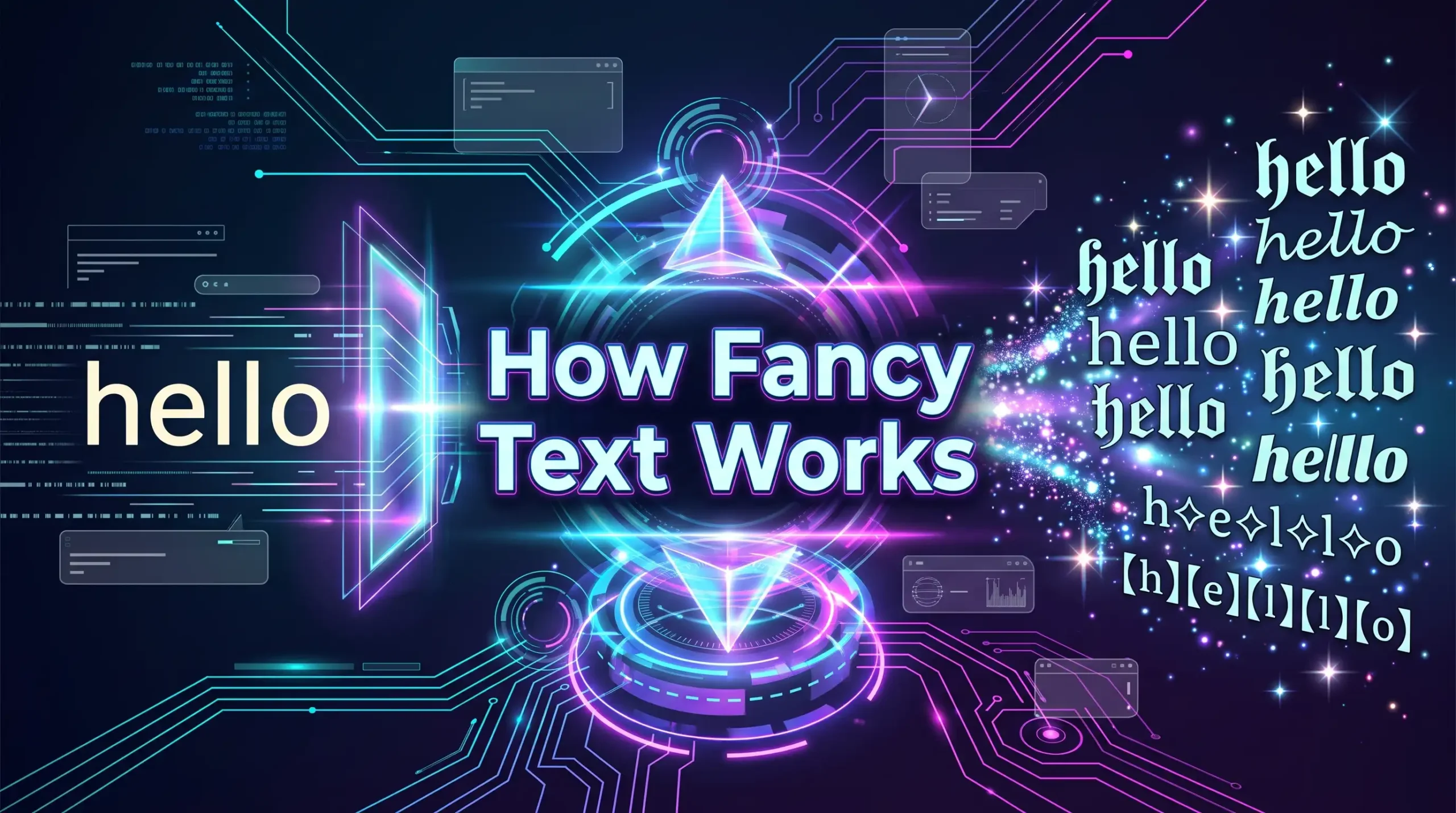
How Fancy Text Works - Understanding Unicode and Stylish Text
Stylish lettering appears across social media profiles, gaming usernames, online messages, and digital communities. Some text looks bold, some resembles handwriting, and other styles include circles or unusual decorative marks. These effects may look like different fonts, but the technology behind them is often different from traditional typography. Understanding how fancy text works helps explain why some decorative characters can be copied between applications while others display incorrectly. Most online text generators use Unicode characters to transform ordinary writing into alternative visual styles. This process makes it possible to personalize text without installing a separate font in many situations. In this guide, we will explore Unicode, text conversion, compatibility, and the practical limits of fancy text.
What Happens When You Generate Fancy Text?
A fancy text generator takes the words you enter and produces one or more decorative versions. Depending on the tool, it may replace ordinary characters with alternative Unicode characters, add symbols, or apply a visual style in a preview.
For example, a generator may transform ordinary Latin letters into mathematical alphanumeric characters that resemble bold or script lettering. Other tools may use circled characters or combining marks to create different effects.
The result is often text that you can copy and paste into compatible applications. However, not every generator works in exactly the same way. Some produce actual text characters, while others display styled text that depends on a font or formatting system.
The distinction matters because a visual effect shown in a preview does not always transfer when you copy the text into another application.
Understanding Unicode: The Technology Behind Fancy Text
Unicode is an international standard for representing text across digital systems. It assigns a unique code point to each character included in the standard, allowing computers and applications to process text consistently.
Unicode supports characters from many writing systems, along with punctuation marks, mathematical symbols, emoji, and other special characters.
Some Unicode characters resemble ordinary Latin letters but have different code points and appearances. Mathematical alphanumeric symbols, for example, include characters that look like bold, italic, script, or double-struck letters.
A fancy text generator can use these characters to create decorative writing.
Unicode Characters Are Not the Same as Fonts
A Unicode character represents a specific character in the text. A font determines how a supported character is visually drawn.
For example, a standard letter may look different when displayed in two different fonts, even though the underlying character remains the same.
With Unicode fancy text, the generator may substitute a standard letter with a different character that resembles a decorative version. When copied, the substituted character is part of the text itself.
This is why some fancy text can retain its appearance when pasted into another application without requiring the original font file.
However, the receiving device still needs to support and render the selected character. Unicode standardization does not guarantee identical visual presentation everywhere.
How a Fancy Text Generator Converts Characters
A typical text generator processes the input and creates alternative character sequences according to the selected style.
The exact method depends on the generator and the effect being produced.
Step 1: Entering Ordinary Text
The process starts when a user enters a word, name, or phrase into the generator.
For example, the input might be: Hello World
The tool processes the individual characters and determines which decorative alternatives are available for the selected style.
Step 2: Mapping Characters to Alternatives
For Unicode-based styles, the generator may map ordinary characters to alternative characters that resemble a particular design.
Some styles can transform many Latin letters, while others support only selected letters, numbers, or symbols. If a decorative equivalent is unavailable, the original character may remain unchanged.
Step 3: Creating the Styled Result
The generator combines the converted characters into a new text string. Depending on the style, the result may look bold, cursive, circled, or otherwise decorative.
Other effects may add symbols or combining marks instead of replacing every character.
Step 4: Copying the Text
If the result consists of actual text characters, the user can generally select and copy it. The copied content contains those characters rather than instructions to use a particular font.
A copy button may simplify this process, but the text can often be selected manually if the tool supports normal text selection.
Step 5: Pasting into Another Application
When the text is pasted into a compatible application, the receiving software attempts to display the characters using the fonts and rendering systems available on that device.
This is why the same generated text may appear slightly different across devices or applications.
Different Fancy Text Styles and How They Work
Not all decorative text uses the same character-conversion method. Understanding the differences helps you choose a suitable style.
Bold Text
Some generators use Unicode characters that resemble bold letters. These are different from simply applying bold formatting to ordinary text in a word processor or messaging application.
Because the characters themselves may be different, their accessibility and search behavior can differ from regular letters.
Cursive Text
Cursive-style generators often use Unicode characters that resemble script lettering. These characters can be copied as text when the generator uses Unicode alternatives.
However, not every letter has an equivalent in every decorative style. Numbers, punctuation, and unsupported characters may remain unchanged.
Bubble Text
Bubble text commonly uses rounded or circle-inspired Unicode characters. Some styles place letters inside circles, while other rounded effects may depend on actual fonts or graphic design.
This makes it important to distinguish between copyable Unicode characters and a visual font effect.
Glitch Text
Glitch text is a broad category of visual effects that imitate digital distortion. Some text generators create this appearance by using unusual characters or combining marks, while graphic design applications can produce more complex effects through image manipulation.
A copyable glitch string may not look identical to a professionally designed glitch graphic.
Zalgo Text
Zalgo text often uses Unicode combining marks placed around ordinary letters. These marks can appear above, below, or through the base characters, creating a heavily distorted appearance.
The final result depends on how the application positions combining marks. Excessive marks may overlap, extend beyond expected text boundaries, or display inconsistently.
Why Can Fancy Text Be Copied and Pasted?
Copy-and-paste functionality works because Unicode-based fancy text contains characters that can be stored as ordinary text data.
When you copy a string, the clipboard generally stores the characters rather than a screenshot of their appearance. The receiving application then renders those characters using its own software and available fonts.
This differs from copying a word displayed in a specific font inside a design application. If the destination application does not have access to that font or the formatting information, the original appearance may not be preserved.
Unicode characters can therefore be convenient for short profile descriptions, usernames where permitted, and informal messages.
However, compatibility is not universal. Some characters may be rejected by particular fields or displayed differently on certain devices.
Why Does Fancy Text Look Different on Different Devices?
Unicode defines character identities, but it does not require every device to draw those characters in exactly the same way.
The final appearance depends on several factors.
Font Support
A device needs a font that contains the selected character. If no suitable glyph is available, the character may appear as an empty box or replacement symbol.
Operating System and Application
Different operating systems and applications may use different font-rendering systems. As a result, the same character sequence can look slightly different between devices.
Combining Character Rendering
Styles such as Zalgo text use marks that combine with other characters. Applications may position these marks differently, particularly when many marks are added to a single letter.
Platform Restrictions
Some services restrict the characters accepted in usernames, profile fields, or other areas. A style that works in a message may not be accepted in a username.
For better results, use relatively simple styles when compatibility is important and test the final text in the intended application.
Does Fancy Text Affect Search Engines and Accessibility?
Fancy text is primarily a visual styling technique. It should not be treated as a substitute for standard text in situations where searchability, accessibility, and clarity matter.
Unicode characters that resemble ordinary letters are not always processed in the same way as the corresponding standard letters. This can affect how some search systems, text-processing tools, or assistive technologies interpret a phrase.
For websites, it is generally better to use standard text for headings, paragraphs, navigation labels, and important keywords. Search engines can then process the content more consistently.
Decorative characters can still be used selectively in suitable contexts, but they should not replace the actual text of a page or hide essential information.
Screen readers may also pronounce decorative characters differently or read their Unicode names rather than the intended word. Keeping important information in ordinary text helps make content more accessible.
Fancy Text vs. Actual Fonts: Key Differences
Although both methods change how text looks, their underlying behavior is different.
| Feature | Unicode fancy text | Actual font |
|---|---|---|
| What changes | The characters may be replaced with decorative alternatives | The visual design used to draw characters changes |
| Copy and paste | Characters can often be copied directly | Font styling may not transfer between applications |
| Installation | Usually unnecessary for Unicode characters | A font may need to be installed or loaded |
| Visual control | Limited to available character styles | Often offers greater control over size, spacing, color, and effects |
| Common uses | Short messages, bios, and compatible profile fields | Graphics, posters, logos, and designed documents |
For example, a fancy text generator may produce script-like Unicode characters that can be pasted into a compatible social profile. A designer using a script font in a graphic application can control the lettering's size, position, color, and other visual properties.
Both approaches have useful applications, but they solve different problems. Fancy text is convenient for copyable character styles, while actual fonts are generally more flexible for visual design.
How to Use Fancy Text Effectively
Understanding the technology makes it easier to choose suitable styles for different situations.
-
Choose the Right Style for the Platform: A decorative style that works well in a social media bio may not be suitable for a username or an important business message. Check the rules and character support of the destination platform before using a style.
-
Keep Text Readable: Fancy text is most effective when the words remain recognizable. Use decorative characters for short phrases, names, or headings rather than long passages that people need to read quickly.
-
Test Before Publishing: Copy the generated text into the intended field and check the result. If some characters appear incorrectly, choose a simpler style or return to standard lettering.
-
Consider Accessibility: Avoid using decorative characters for essential instructions, contact information, or website headings. Ordinary text is usually easier for search systems, assistive technologies, and readers to interpret.
-
Use Fonts for More Complex Designs: If you need precise control over letter shapes, colors, outlines, shadows, or spacing, a graphic design application may be more suitable than a copy-and-paste text generator.
Conclusion
Fancy text works by changing the characters or visual presentation of ordinary writing to create decorative styles. Many online generators use Unicode alternatives that can be copied and pasted into compatible applications without installing a separate font. Other effects rely on combining marks, symbols, or visual styling, so their behavior can differ. Understanding how fancy text works helps you choose suitable lettering, recognize compatibility limitations, and avoid display problems across devices. Unicode standardization makes many decorative characters widely usable, but it does not guarantee identical rendering or acceptance on every platform. For the best results, choose readable styles, test them before publishing, and use standard text for important information.