Cursive Text Generator - Copy and Paste Cursive Text
Cursive lettering adds a flowing, handwritten appearance to ordinary words, making names, captions, profile descriptions, and creative messages look more personal. Instead of searching for individual decorative characters, you can enter your text, compare different script styles, and choose a design that suits your needs. A Cursive Text Generator makes this process convenient by transforming ordinary letters into script-like variations that you can copy and paste into compatible applications. Whether you want an elegant username, an aesthetic social media bio, or a stylish caption, the right lettering can help express your personality. Choose a style that looks attractive, remains readable, and works on your intended platform.
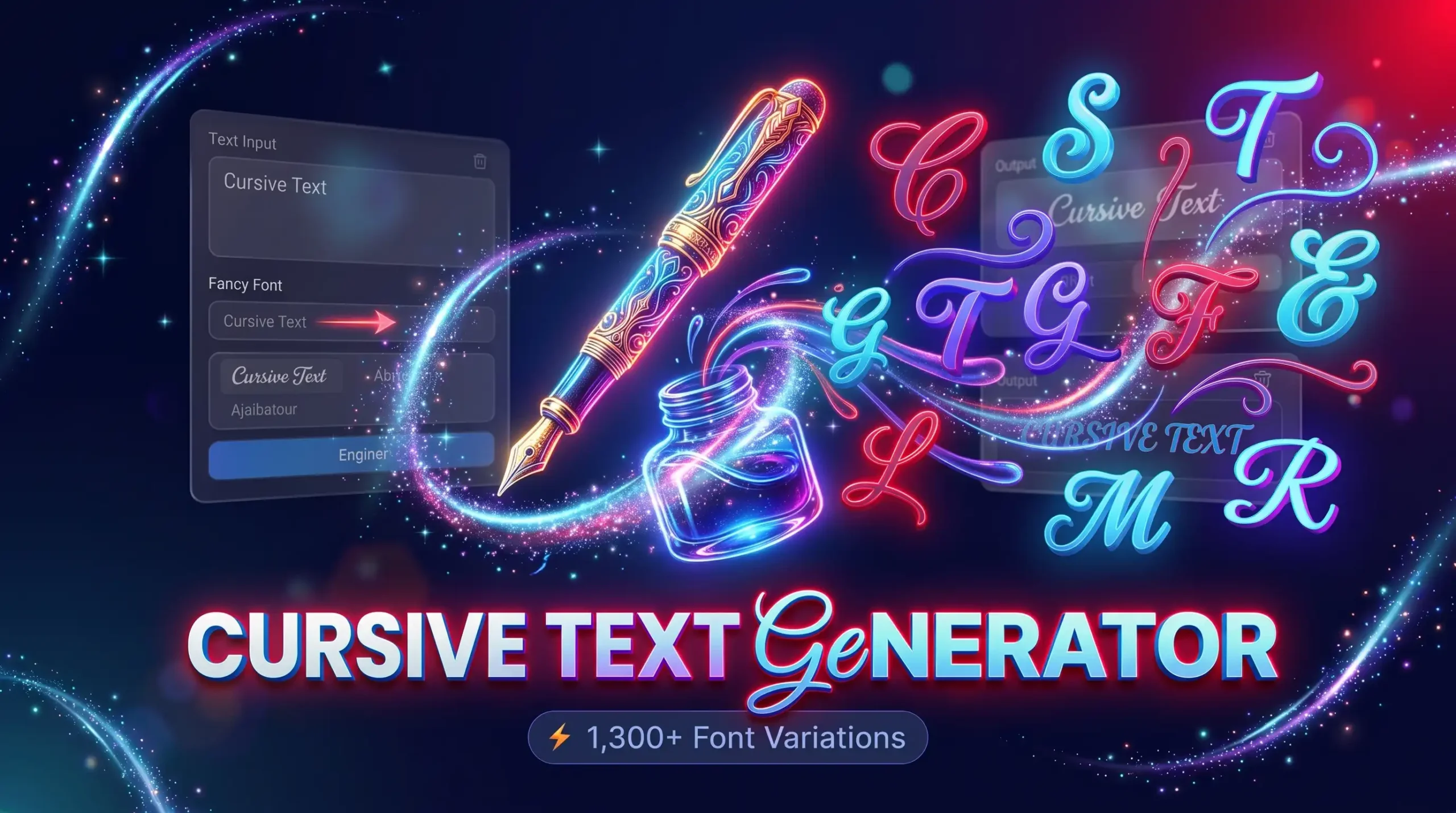
Explore Different Cursive Text Styles
Cursive lettering comes in different forms, from simple handwritten styles to elaborate script-like characters. Some designs look elegant and traditional, while others have a modern, decorative appearance.
The best style depends on where you want to use it. A flowing script may suit a personal name, while a simpler cursive design can work better for captions and short messages. Exploring different variations helps you find a suitable appearance without manually replacing individual letters.
Elegant Cursive Lettering
Elegant cursive lettering features smooth, flowing character shapes that resemble handwriting. It is often suitable for personal names, short greetings, profile descriptions, and decorative phrases.
This style can create a refined appearance without adding excessive symbols or complicated effects. It works particularly well when you want a subtle visual change rather than a heavily decorated design.
For the best result, use elegant lettering for short phrases and names. Long passages written entirely in decorative characters can become difficult to read, especially on smaller screens.
Modern Script Text
Modern script styles offer a contemporary alternative to traditional cursive lettering. Depending on the available character set, the letters may look sleek, connected, or slightly slanted.
These styles can suit social media bios, creative usernames, informal announcements, and short captions. You can compare several variations to find one that complements your preferred aesthetic.
Remember that generated script characters do not always connect like letters written with a pen. Their appearance depends on the individual Unicode characters used, so some styles may look more like decorative lettering than continuous handwriting.
Decorative Cursive Letters
Decorative cursive letters combine flowing shapes with distinctive character designs. They can make a short word or phrase stand out in a profile or creative project.
However, decorative characters vary in readability and compatibility. Some alphabets may not contain matching versions of every letter, number, or punctuation mark. This can cause a word to contain a mixture of cursive and ordinary characters.
Preview your complete text before copying it. If the result looks inconsistent, try another variation or simplify the phrase.
How to Generate Cursive Text Online
Creating stylish lettering should be straightforward. You can usually generate and copy decorative text without downloading font files or installing additional software.
1. Enter Your Text
Start by typing your name, username, caption, or phrase into the text input field. You can also paste text that you have already written.
Check your spelling and capitalization before generating the result. This is especially important for names, business labels, and profile descriptions, where small mistakes can change the intended meaning.
If you plan to use the text in a social media bio, consider keeping the phrase short. Shorter text is generally easier to read and gives you more flexibility when selecting a decorative style.
2. Choose Your Favorite Cursive Style
After entering your text, browse the available script variations. Compare how the letters look, whether the entire word appears consistent, and how easily another person can read the result.
Some styles may suit elegant names, while others work better for playful captions or informal messages. Do not choose a design based on appearance alone; consider how it will look on the platform where you intend to use it.
If the generated result does not support a particular letter properly, try another style.
3. Copy and Paste Your Cursive Text
Once you have selected a suitable result, use the copy button if the tool provides one. Open the application where you want to use the text, place your cursor in the relevant field, and paste the copied characters.
Review the final result before saving or publishing it. Some applications may display characters differently or restrict certain symbols.
If the text appears as empty boxes or unfamiliar characters, choose a simpler variation. Testing the result on your intended platform is the best way to check compatibility.
What Is a Cursive Text Generator?
A cursive text generator is an online tool that converts ordinary text into alternative character styles resembling cursive or script lettering. Many copy-and-paste tools use Unicode characters to create these variations.
Unicode is a standard that assigns identifiers to characters used by digital systems. It includes letters, numbers, punctuation, and a wide range of symbols. Some characters have shapes that resemble mathematical italic alphabets or other decorative lettering, allowing tools to create script-like text without supplying a separate font file.
However, generated cursive text is not always the same as conventional handwriting or a traditional cursive font. A standard font changes the appearance of characters when software renders them. A Unicode-based tool may instead replace ordinary letters with different characters that resemble a particular style.
This difference explains why copied cursive text can retain a similar appearance across many compatible applications without requiring the recipient to install the same font. It also explains why compatibility is not guaranteed: devices and applications may support different characters and rendering systems.
Where Can You Use Cursive Text?
Cursive lettering can be useful wherever an application supports the characters you want to use. Common examples include social media profiles, short captions, display names, informal messages, and creative projects.
Cursive Text for Instagram
Instagram users often personalize their profile information, display names, and captions to create a distinctive appearance. Cursive characters can add a decorative touch to a short bio or selected phrase.
When choosing a style, consider whether your audience can easily read it. Unusual characters may affect how people search for or recognize your profile name, so keep important identifying information clear.
Cursive Text for TikTok
Cursive lettering can help personalize supported profile fields and short text elements on TikTok. Creators may use it to complement a particular aesthetic, from lifestyle content to entertainment and gaming.
Before using a generated style, check whether the relevant field accepts those characters. Different platform features may support different text formats, and decorative characters can appear differently between devices.
Cursive Text for WhatsApp
WhatsApp users may experiment with script-like characters in supported profile fields, status text, and messages. A short cursive greeting or name can add a personal touch to everyday communication.
However, generated cursive characters are different from conventional message formatting. If you want standard bold or italic formatting in a message, WhatsApp's built-in formatting options may be more suitable.
Cursive Text for Discord
Discord users can try cursive characters for supported display names and other text fields. These styles may suit personal profiles, community identities, and informal conversations.
Check the platform's character restrictions before using a decorative name. A style that looks attractive in a preview may not be accepted in every field, and complex lettering may make a username difficult to recognize.
Cursive Text for Names and Captions
Beyond social platforms, cursive lettering can be useful for nicknames, short greetings, creative headings, and informal captions. It can help a short phrase look different without requiring you to create a graphic.
For longer content, conventional text is generally easier to read. Consider using cursive characters for selected words while keeping important information in standard lettering.
Cursive Text vs. Traditional Cursive Fonts
Although they can look similar, generated cursive text and traditional cursive fonts work differently. Understanding this distinction helps you choose the appropriate option for your project.
How Unicode Cursive Characters Work
Many copy-and-paste generators use Unicode characters that resemble italic, script-like, or mathematical alphabet styles. The tool substitutes supported characters and presents the resulting text for copying.
Because these are characters rather than simply font formatting, they may retain a similar appearance when pasted into compatible applications. However, the result depends on character support and the software displaying it.
When to Use a Traditional Cursive Font
A traditional cursive font is often more suitable when designing invitations, logos, documents, posters, or graphics. These fonts are applied through design software or a website's typography settings and can offer more consistent control over spacing, connected strokes, and overall layout.
Generated cursive characters are more convenient when you need text that can be copied into compatible fields without installing a separate font.
Choose the method according to your goal: use generated characters for simple text personalization and conventional fonts when you need greater design control.
Tips for Choosing the Right Cursive Style
The best cursive design balances appearance, readability, and compatibility. Consider the following tips before selecting a style.
-
Keep the text short: Names, captions, and short phrases are usually easier to read in decorative lettering.
-
Consider your audience: Choose a style that suits the context and remains understandable to the people reading it.
-
Preview the complete result: Check that all letters and numbers appear consistently.
-
Test character compatibility: Paste the text into your intended application before publishing it.
-
Avoid excessive decoration: Too many unusual characters can make a message difficult to recognize.
-
Use standard text when necessary: Keep important information readable, especially in professional descriptions and longer messages.
These simple practices can help you use cursive lettering without sacrificing clarity.
Frequently Asked Questions
Is the Cursive Text Generator Free to Use?
Whether a particular tool is free depends on the website and its terms. Check the tool's page for details about available styles, usage limits, and any paid features.
Can I Copy and Paste Cursive Text?
Many Unicode-based cursive styles can be copied and pasted into compatible applications. However, some characters may not be supported everywhere, so review the result after pasting.
Does Cursive Text Work on All Devices?
Not always. Character support depends on the device, operating system, application, and available fonts. Unsupported characters may appear differently or fail to display correctly.
Is Generated Cursive Text the Same as Handwriting?
No. Generated cursive text usually consists of digital characters that resemble script lettering. It does not reproduce the natural connections and individual strokes of actual handwriting.
Can I Use Cursive Text for My Social Media Bio?
You can use supported cursive characters in many profile fields, but platform rules vary. Keep your bio readable and verify that the selected characters display correctly before saving it.
Why Are Some Letters Not Appearing in Cursive?
Some styles do not have matching Unicode characters for every letter, number, or symbol. Try a different variation or use standard characters where necessary.
Can I Use Cursive Text in Professional Content?
Cursive lettering can suit short creative headings or selected design elements, but long professional content is generally easier to read in standard text. Choose the style according to your audience and purpose.
Conclusion
Cursive lettering offers a simple way to personalize names, captions, profile descriptions, and short messages without creating a design from scratch. A Cursive Text Generator helps you explore flowing character styles, compare different variations, and copy your preferred result into compatible applications. Whether you want an elegant social media bio, a distinctive username, or a decorative phrase, choose lettering that suits your purpose and remains easy to recognize. Remember that generated script-like characters are not always traditional font files, and their appearance can vary across devices and platforms. Preview your text before publishing it, use decorative styles selectively, and explore related text tools when you want to experiment with other creative lettering options.