Bold Text Generator - Copy and Paste Bold Text
Bold lettering helps important words stand out in social media profiles, captions, usernames, and short messages. Whether you want to emphasize a phrase or give your text a stronger visual appearance, the right character style can make a difference. A Bold Text Generator makes this process simple by transforming ordinary letters into bold-looking text variations that you can copy and paste into compatible applications. You do not need to search for individual symbols or install a separate font file to try these styles. Enter your text, compare the available results, and choose a version that suits your needs while keeping your message clear and easy to recognize.
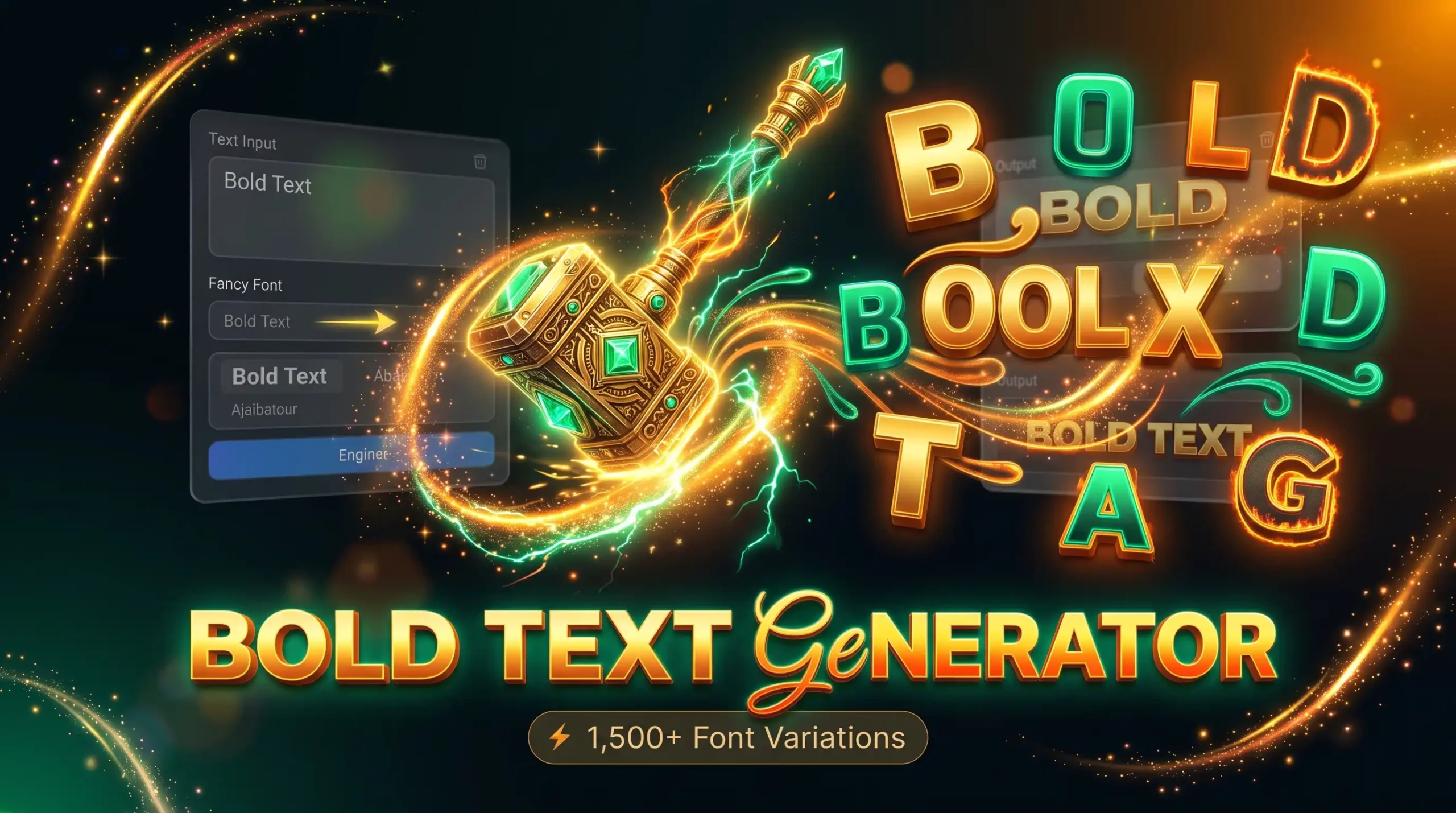
Explore Different Bold Text Styles
Bold-looking text comes in several forms. Some styles resemble heavy sans-serif letters, while others use serif-like, italic, or mathematical character variations. Each style creates a different visual impression, so your choice should depend on where you plan to use the text.
An online text tool lets you compare different results without manually replacing letters. You can experiment with a name, a short phrase, or a caption before selecting the version that looks best.
Bold Text for Names and Usernames
A bold-looking username can create a strong, noticeable appearance. It may suit gaming identities, personal profiles, community names, and other places where you want a name to stand out.
When selecting a style, consider readability and platform restrictions. Some applications do not accept every decorative character, and unusual letters can make a username harder to search for or recognize.
Try several variations before choosing one. If you want to compare bold lettering with other decorative options, explore our Fancy Font Generator for additional styles.
Bold Text for Bios and Captions
Bold-looking characters can emphasize a short phrase in a profile description or social media caption. They may also help distinguish a short heading from surrounding text.
For the best result, use bold lettering selectively. Styling every word can make a paragraph harder to read and may reduce consistency across different devices.
Keep important details, such as names and contact information, easy to recognize. If you prefer flowing rather than heavy lettering, our Cursive Text Generator offers an alternative style.
Bold Text for Creative Messages
Bold-looking text can add emphasis to short greetings, announcements, informal messages, and creative phrases. It can also be useful when testing different visual treatments for a name or heading.
Remember that generated bold text is not always the same as conventional bold formatting. Many tools use alternative Unicode characters rather than applying a formatting property to ordinary text.
If you want a more playful appearance, try the Bubble Text Generator. For a more unusual digital effect, explore our Glitch Text Generator.
How to Use the Bold Text Generator
Creating bold-looking text should be straightforward. You can usually generate different variations and copy your preferred result without downloading additional software.
1. Enter Your Text
Type your name, username, caption, or phrase into the text input field. You can also paste text that you have already written.
Check your spelling and capitalization before generating the result. If you are creating a username or a short profile heading, make sure the original text is easy to recognize.
Shorter phrases are often more practical for decorative lettering because they remain easier to read and fit more naturally into profile fields.
2. Choose and Preview a Bold Style
After entering your text, review the available variations. Compare the shape of the letters, the overall weight, and how easily the result can be read.
Some styles resemble bold sans-serif characters, while others have a more traditional or mathematical appearance. Choose a variation that suits your intended use rather than selecting the most elaborate option automatically.
If the result contains ordinary letters mixed with styled characters, try another variation or simplify the text.
3. Copy and Paste Your Bold Text
Once you have selected a style, use the copy button if the tool provides one. Open your intended application and paste the text into the relevant field.
Review the pasted result before saving or publishing it. Certain characters may appear differently across devices or may not be accepted by a particular platform.
If the text does not display properly, try a simpler style. Testing the result is more reliable than assuming every character will work everywhere.
What Is a Bold Text Generator?
A bold text generator is an online tool that transforms ordinary text into characters that resemble bold lettering. Many copy-and-paste generators use Unicode characters to create these variations.
Unicode is a standard for representing characters across digital systems. It includes letters, numbers, symbols, and specialized character forms. Some characters in the Mathematical Alphanumeric Symbols block resemble bold or italic alphabets and can be used to create distinctive text styles.
However, generated bold text is not always conventional bold formatting. In a document editor, applying bold formatting usually changes how ordinary characters are displayed without replacing the underlying letters. A Unicode-based generator may substitute those letters with different characters that have a bold appearance.
This distinction matters when copying text between applications. Unicode-based styles can retain a similar appearance in compatible text fields without requiring a separate font file. However, character support and rendering vary between devices, browsers, and applications.
Where Can You Use Bold Text?
Bold-looking characters can be useful in applications that support the relevant characters. Common uses include social media profiles, short captions, display names, messages, and creative text.
Bold Text for Instagram
Instagram users may experiment with bold-looking characters in supported profile fields, display names, and captions. A short phrase can gain visual emphasis when used alongside ordinary text.
Keep your profile readable and check the final result before saving it. Some decorative characters may affect how easily people recognize or search for your name.
Bold Text for TikTok
TikTok users can explore decorative lettering for supported profile fields and other text areas where the platform permits those characters. Bold-looking text may complement a creator's visual style or help distinguish a short phrase.
Platform rules can vary by field, and not every character is guaranteed to work. Preview the result before using it in your profile.
Bold Text for Discord
Discord users may experiment with bold-looking Unicode characters in supported display names and other text fields. These styles can suit gaming identities, community profiles, and informal conversations.
However, decorative Unicode characters are different from Discord's built-in message formatting. If you want conventional bold formatting in a message, use the platform's supported formatting features.
Bold Text for WhatsApp
WhatsApp users may try decorative bold-looking characters in supported profile fields and messages. These characters can provide a different appearance for short names or phrases.
Keep in mind that generated Unicode characters are not the same as WhatsApp's native bold formatting. If you need standard bold text within a message, the application's built-in formatting method may be more suitable.
Bold Text for Gaming and Creative Projects
Bold-looking text can also be useful for gaming names, short labels, informal announcements, and creative concepts. A heavier appearance can help a short phrase stand out, but readability should remain a priority.
Before using decorative text in a game, check its character restrictions and username rules. Some games reject certain symbols or display them differently.
Bold Text vs. Traditional Bold Formatting
Although they can look similar, Unicode-based bold text and conventional bold formatting work differently.
How Unicode Bold Characters Work
Many copy-and-paste tools replace ordinary letters with alternative Unicode characters that resemble bold lettering. Because these are different characters, their appearance may remain similar when pasted into another compatible text field.
This approach can be convenient for short profile descriptions, names, and captions where conventional formatting controls are unavailable.
However, not every character has an equivalent in every style. Numbers, accented letters, punctuation, and symbols may remain unchanged or display differently.
When to Use Traditional Bold Formatting
Traditional bold formatting is usually preferable in documents, articles, presentations, and long messages. It preserves the underlying text and lets the application control the visual appearance.
Unicode-based bold-looking text can be useful when you need a copy-and-paste style for a compatible field that does not offer formatting controls.
Choose the method according to your purpose. For longer content and accessibility, standard text with conventional formatting is generally the more practical option.
Tips for Choosing the Right Bold Text Style
A useful bold style should be noticeable without making your text difficult to understand.
-
Keep phrases concise: Short names and captions are easier to read in decorative characters.
-
Use emphasis selectively: Avoid styling every word when only one phrase needs attention.
-
Check platform compatibility: Test the result in the application where you intend to use it.
-
Review the complete text: Look for inconsistent characters or unexpected changes.
-
Consider accessibility: Unusual characters may be interpreted differently by assistive technologies and search tools.
-
Use conventional formatting when appropriate: Standard bold formatting is often better for articles, documents, and longer messages.
If you need inspiration for short captions, names, or decorative phrases, explore our Fancy Text Ideas guide. You can also return to the Fancy Text Generator homepage to compare other available styles.
Frequently Asked Questions
Is the Bold Text Generator Free to Use?
Whether a particular generator is free depends on the website and its usage terms. Check the tool's page for information about available styles, restrictions, and any paid features.
Can I Copy and Paste Bold Text?
Many Unicode-based bold styles can be copied into compatible text fields. However, some applications may restrict particular characters or display them differently.
Is Generated Bold Text the Same as Regular Bold Formatting?
No. Conventional bold formatting changes how text is displayed, while many generators replace ordinary letters with alternative Unicode characters that resemble bold lettering.
Does Bold Text Work on All Devices?
Not always. Devices and applications may support different character sets and rendering systems. Unsupported characters may appear as empty boxes or replacement symbols.
Can I Use Bold Text on Social Media?
You can experiment with bold-looking characters in supported profile fields, captions, and messages. Check the rules of the platform and review the result before publishing.
Why Are Some Letters Not Bold?
Some styles do not provide matching characters for every letter, number, or symbol. A generator may leave unsupported characters unchanged. Try another style if the result looks inconsistent.
Should I Use Bold Unicode Characters in Articles?
For long articles and professional content, conventional bold formatting is generally preferable. Unicode-based bold characters are more suitable for short decorative phrases where the platform supports them.
Conclusion
Bold-looking lettering can help short phrases, usernames, captions, and profile descriptions stand out without requiring complicated design software. A Bold Text Generator lets you explore alternative character styles, compare different results, and copy your preferred version into compatible applications. Whether you want to emphasize a few words or personalize a digital name, choose a style that suits your purpose and remains easy to read. Remember that many copy-and-paste generators use Unicode characters rather than conventional bold formatting, so compatibility may vary between devices and platforms. Test your selected text before publishing it, use decorative lettering selectively, and consider traditional formatting whenever clarity and accessibility matter most.